Sinhala Keyboard — Online and Free
සිංහල යතුරුපුවරුවක් අන්තර්ජාලයේ — driver install කරන්න ඕනේ නැහැ.
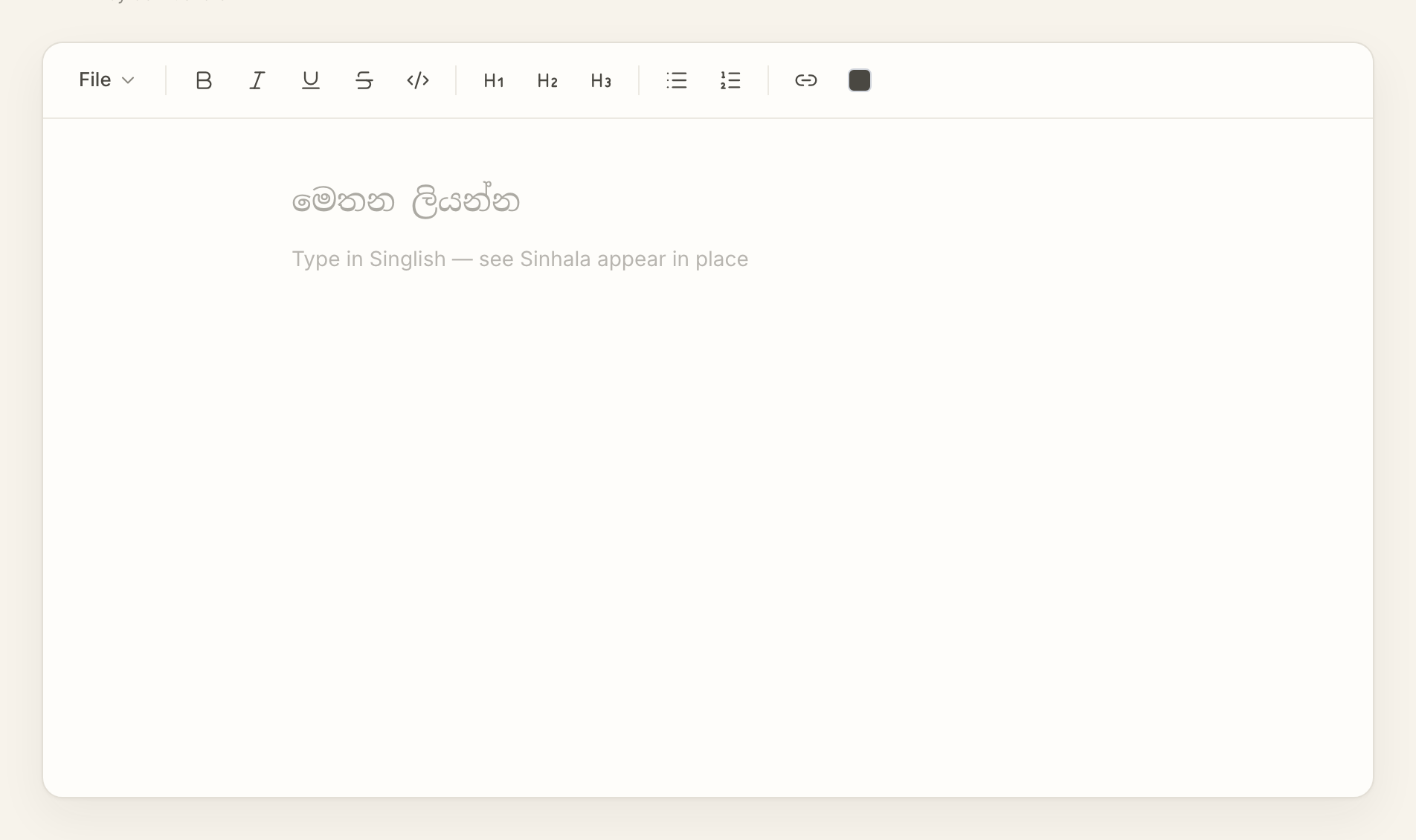
AkuruLiyo is a phonetic Sinhala keyboard you use in the browser. The keys on your physical keyboard stay where they are — type Singlish, see Sinhala. No drivers, no input-source configuration.
Try AkuruLiyo →A virtual keyboard, not a layout change
A traditional Sinhala keyboard (Wijesekera, Bhasha) changes which glyph each physical key produces. Switching to it means learning where every consonant lives all over again. AkuruLiyo takes a different path: it's a phonetic input layer that runs inside an editor. You keep pressing the same QWERTY keys you already use, and AkuruLiyo turns each completed word into Sinhala.
A few of the common mappings:
a→අ,aa→ආk→ක,kh→ඛng→ඞ,nd→ඳmama→මම,oba→ඔබ
The mapping mirrors what Helakuru does on Android — so if you already type Singlish on your phone, you already know AkuruLiyo's mapping.
 Try AkuruLiyo for free →
The same online Sinhala keyboard on every device
Because the conversion runs in the browser, the keyboard behaves the same on a Mac, a Windows PC, an Android phone, and an iPad. There is nothing OS-specific to install or update. Open the page on a borrowed computer and your usual Singlish habits work straight away.
If you want to understand how the conversion handles whole sentences (not just keystrokes), the Singlish-to-Sinhala page covers the word-boundary logic. If you need bold, italic, headings, or lists on top of the typing, the Sinhala text editor page is the right starting point.