The Sinhala Rich Text Editor for Web Writers
සිංහල ලිපි ලිවීමට format-සහිත editor එක.
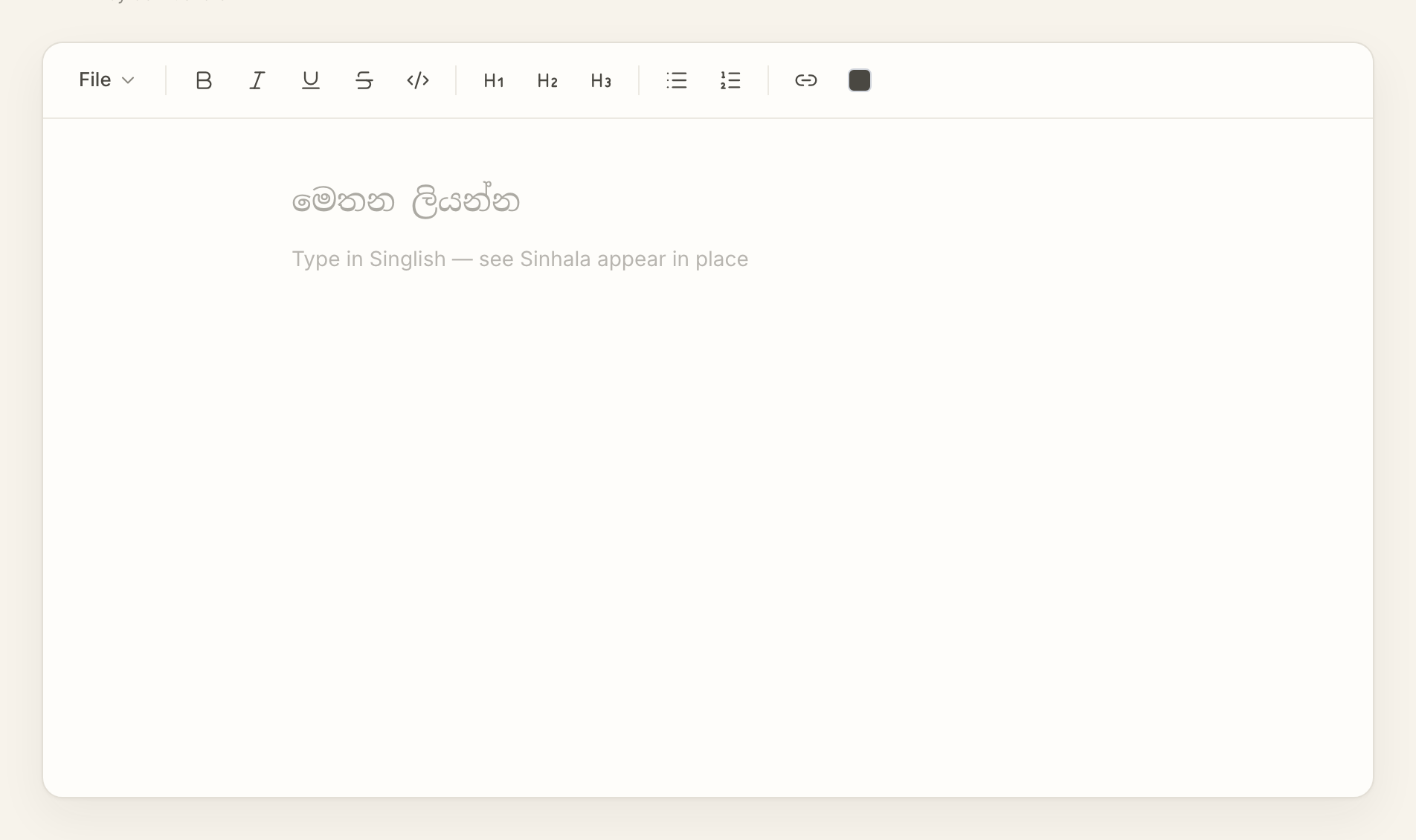
AkuruLiyo is a real Sinhala rich text editor, not a converter pane. Write your article in Singlish, watch it appear as Sinhala, and style it with bold, italic, headings, and lists as you go.
Try AkuruLiyo →An editor, not a textarea
Most online Sinhala typing tools give you a plain textarea: type Singlish on one side, see Sinhala on the other, copy the result. That works for a one-line message. It falls apart the moment you want a heading, a bulleted list, or a bold phrase inside the paragraph.
AkuruLiyo is built on a real document model. The same surface you type into is the surface you format and copy from. Every shortcut you expect from Word or Google Docs is there:
Cmd/Ctrl + Bfor bold,Cmd/Ctrl + Ifor italic,Cmd/Ctrl + Ufor underline- H1, H2, H3 headings from the toolbar or Markdown shortcuts
- Bulleted and numbered lists with proper nesting
- Inline code, links, strikethrough, blockquotes
- Light and dark themes, both designed for long reading sessions
The formatting is real document structure, not characters embedded in the text. When you copy the article into Facebook, Word, or your blog, the structure travels with it.
 Try AkuruLiyo for free →
Why a Sinhala rich text editor matters
For long-form Sinhala writing — articles, drafts, study notes, blog posts — formatting is half the job. A heading tells your reader where they are. A bold phrase carries emphasis. A list breaks a dense paragraph into something scannable. Writing tools that strip all of that and hand you a wall of Sinhala text are asking you to re-format the same content twice.
AkuruLiyo skips the second step. You write Sinhala with formatting, you copy Sinhala with formatting, you paste it where it's going. If you specifically need the Markdown export path — for a blog or a notes app — the Sinhala Markdown editor page walks through that flow. To see exactly which apps preserve the formatting on paste, the copy-paste Sinhala page has a per-target breakdown.