Sinhala Markdown Editor — Write Now, Export Later
Markdown-වලින් සිංහල ලියන්න, blog-වලට export කරන්න.
AkuruLiyo is a Sinhala Markdown editor: write with the Markdown shortcuts you already know, then copy or download the result as clean .md.
Markdown shortcuts, in Sinhala
Type the Markdown syntax you already use and AkuruLiyo applies the formatting live, the same way Notion and Obsidian do:
#,##,###for H1, H2, H3**bold**,*italic*,~~strike~~-or1.for bulleted and numbered lists`inline code`and triple-backtick fenced code blocks>for blockquotes
You can mix Singlish words anywhere inside that syntax. The conversion runs on each word — the Markdown tokens stay as Markdown, your Singlish becomes Sinhala. So # mage lipiya renders as a Sinhala H1, මගේ ලිපිය, with the heading already applied.
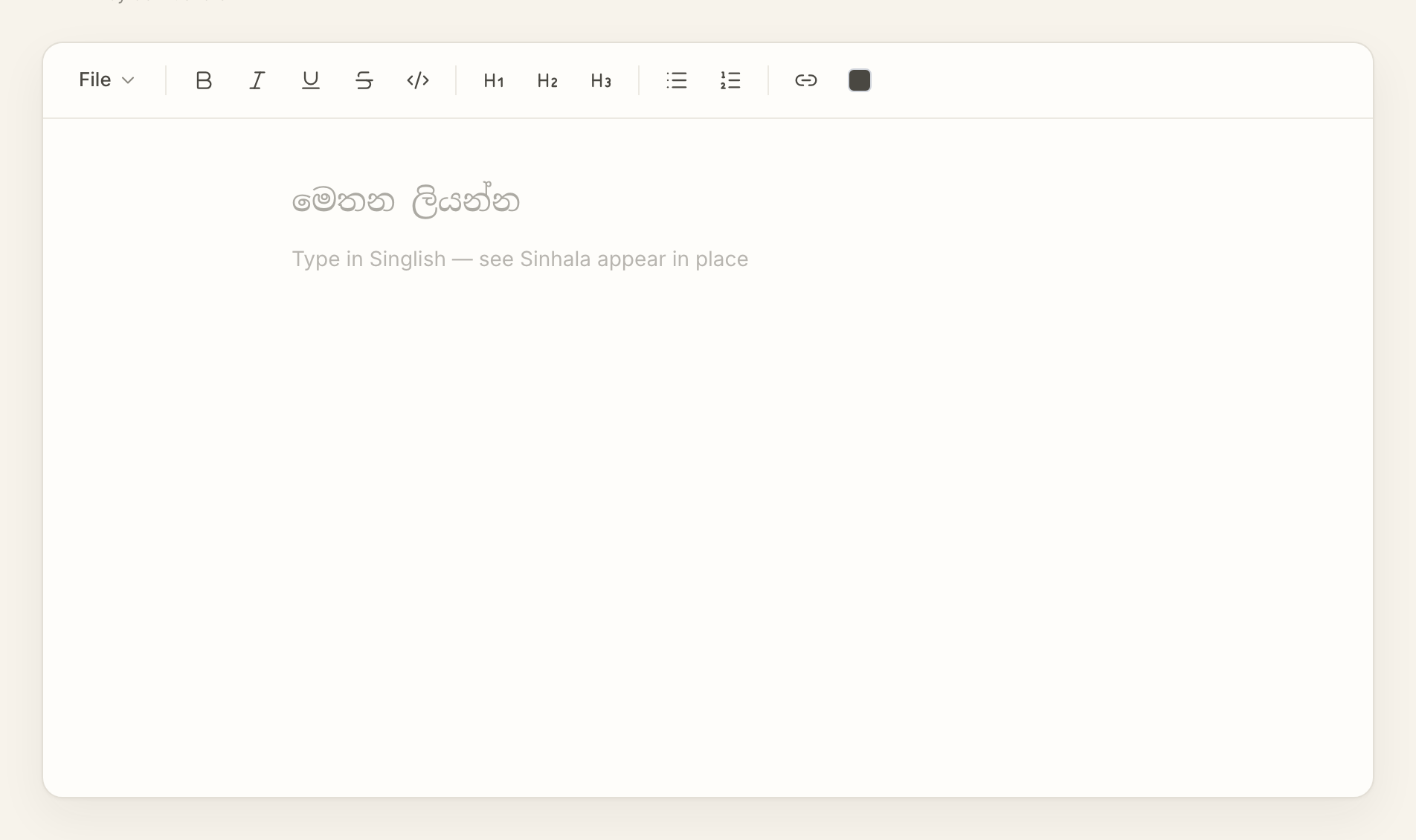 Try AkuruLiyo for free →
Export to where you publish
The File menu has two Markdown exits: Copy as Markdown for pasting into another tool, and Download as .md for keeping the file. The output is clean CommonMark — headings as #, lists as - / 1., links as [text](url). Nothing AkuruLiyo-specific. The same string opens correctly in Obsidian, Notion (paste as Markdown), VS Code, GitHub READMEs, Hugo / Eleventy / Astro site generators, and any other Markdown-aware tool.
A few audiences this is built for: tech bloggers writing Sinhala posts for a static-site blog; university students taking lecture notes in Markdown; founders writing internal docs that mix Sinhala prose with English code identifiers. For a broader look at the editor (formatting, lists, etc.) the Sinhala text editor page has more detail. For just the conversion behaviour, see Singlish to Sinhala.
Frequently asked questions
Which Markdown features are supported?
Can I paste the exported Markdown into Obsidian?
Can I import a Markdown file I already have?
Open .md file picker is on the v2 roadmap.Does the Markdown stay Markdown if I switch documents?
.md at any time and the output is fresh.