Type Sinhala Online
සිංහල අන්තර්ජාලයේ ටයිප් කරන්න — install කරන්න ඕනේ නැහැ.
Open a tab, type Singlish, get Sinhala. AkuruLiyo runs entirely in your browser — no language pack, no driver, no signup.
Try AkuruLiyo →Write Singlish, see Sinhala in place
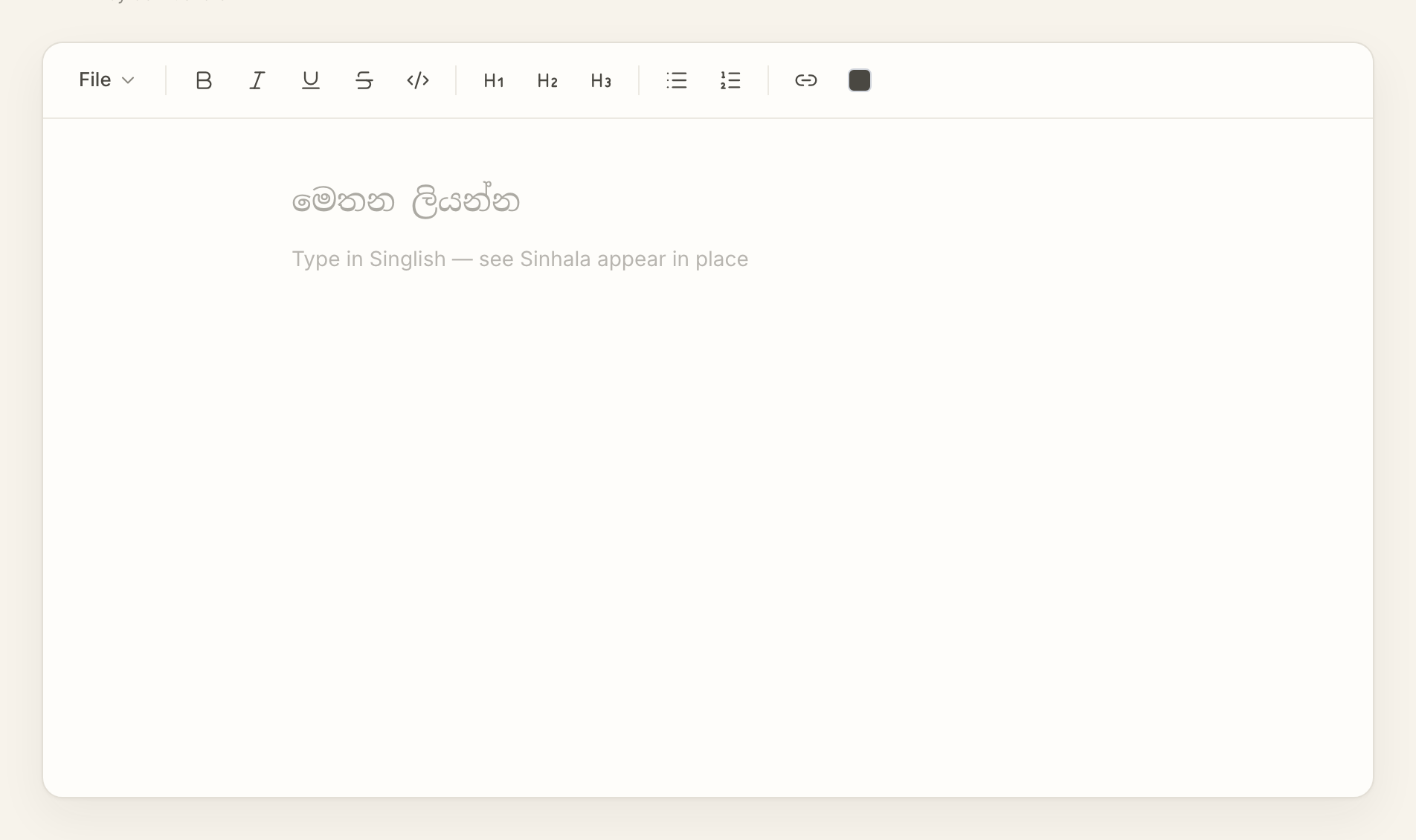
Type ayubowan and the word becomes ආයුබෝවන් the moment you press space. The next word converts at its own boundary, and the one after that — so a full sentence flows out as Sinhala while your hands keep their normal English-keyboard rhythm. If a word should stay in English (a brand name, a file path, a Latin technical term), just keep typing it as English and AkuruLiyo will leave it alone.
Everything autosaves to your own browser. You can close the tab, open it tomorrow on the same machine, and the document is still there. There's no account, no cloud, no sync icon to wait on.
 Try AkuruLiyo for free →
Why type Sinhala online instead of installing something?
On Android, Helakuru is the system-wide keyboard most Sri Lankans already have. On a laptop, the picture is messier: you can configure macOS or Windows to add a Sinhala input source, or download a third-party utility, but both ask you to change the way every other app on your computer types. That's a lot of friction for a few paragraphs of Sinhala writing.
AkuruLiyo doesn't touch the operating system. It's a webpage you open when you need to type Sinhala online, and close when you're done. The phonetic rules are compatible with Helakuru, so the muscle memory you already have carries over. If you want to understand exactly how each Singlish word becomes Sinhala, the Singlish-to-Sinhala page walks through the conversion. If you need formatting — bold, italic, headings, lists — the same editor handles that too; see the Sinhala text editor page.