Copy Sinhala into Facebook, WhatsApp, and Word
Facebook, WhatsApp, Gmail-වලට සිංහල paste කරන්න.
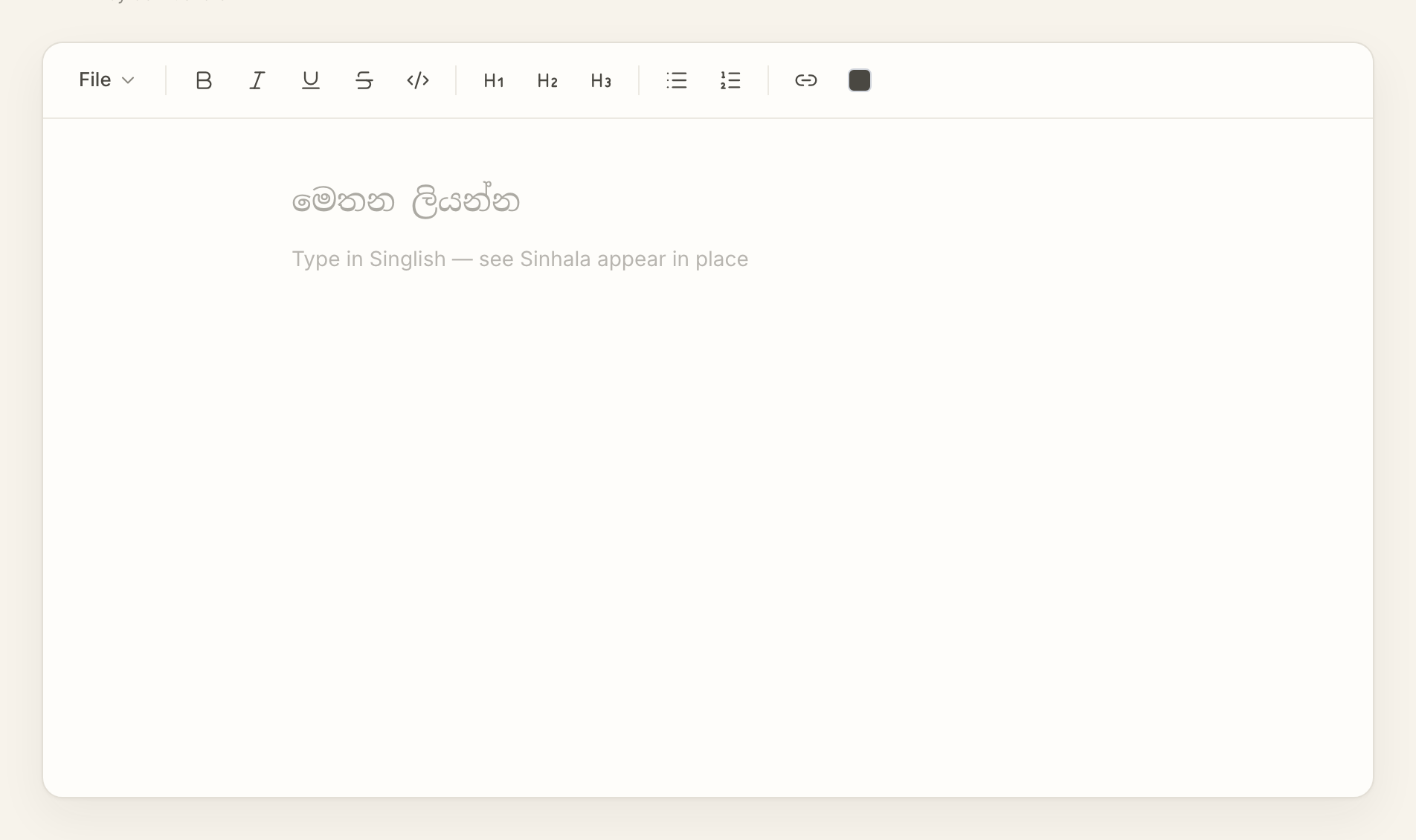
Write your post in AkuruLiyo, copy the Sinhala, and paste it into whichever app you actually live in. Three copy formats cover every target — plain text, Markdown, or HTML with formatting intact.
Try AkuruLiyo →The four-step flow
- Type your text in Singlish. It appears as Sinhala in place.
- Format it the way you want — bold a phrase, add a heading, build a list.
- Select all (
Cmd/Ctrl + A) and copy (Cmd/Ctrl + C). Or use the File menu for a specific format. - Paste (
Cmd/Ctrl + V) into Facebook, WhatsApp, Gmail, Word, Discord — whatever you're writing into.
A plain Cmd/Ctrl + Ccopies the Sinhala with formatting attached as rich text. That's what you want for Facebook posts, Word documents, and Gmail. For places that strip formatting (SMS, old chat apps, plain-text fields), the File menu has a Copy as plain text option that flattens to clean Sinhala without markup.
 Try AkuruLiyo for free →
Three copy formats, three jobs
- Rich text (default
Cmd/Ctrl + C) — keeps bold, italic, headings, lists. Best for Facebook, Word, Gmail, Notion, Google Docs. - Plain text (File → Copy as plain text) — strips all formatting. Best for WhatsApp, SMS, Discord, and any single-line input field.
- Markdown (File → Copy as Markdown) — the same content with
**bold**/# headingsyntax. Best for blogs, GitHub, Obsidian, Notion paste-as-markdown.
If Markdown is your main writing format, the Sinhala Markdown editor page covers the export side in more detail. If you just want to write Sinhala without thinking about formats, the type Sinhala online page is the plain entry point.
Frequently asked questions
Will my Sinhala display correctly on Facebook?
Does the formatting survive a paste into WhatsApp?
*bold*, _italic_, ~strike~). Use Copy as plain text from the File menu — the Sinhala stays, the formatting drops, and the message looks clean.