Type Sinhala on Mac — No Input Source Setup
Mac එකේ සිංහල ටයිප් කරන්න — System Settings change කරන්න ඕනේ නැහැ.
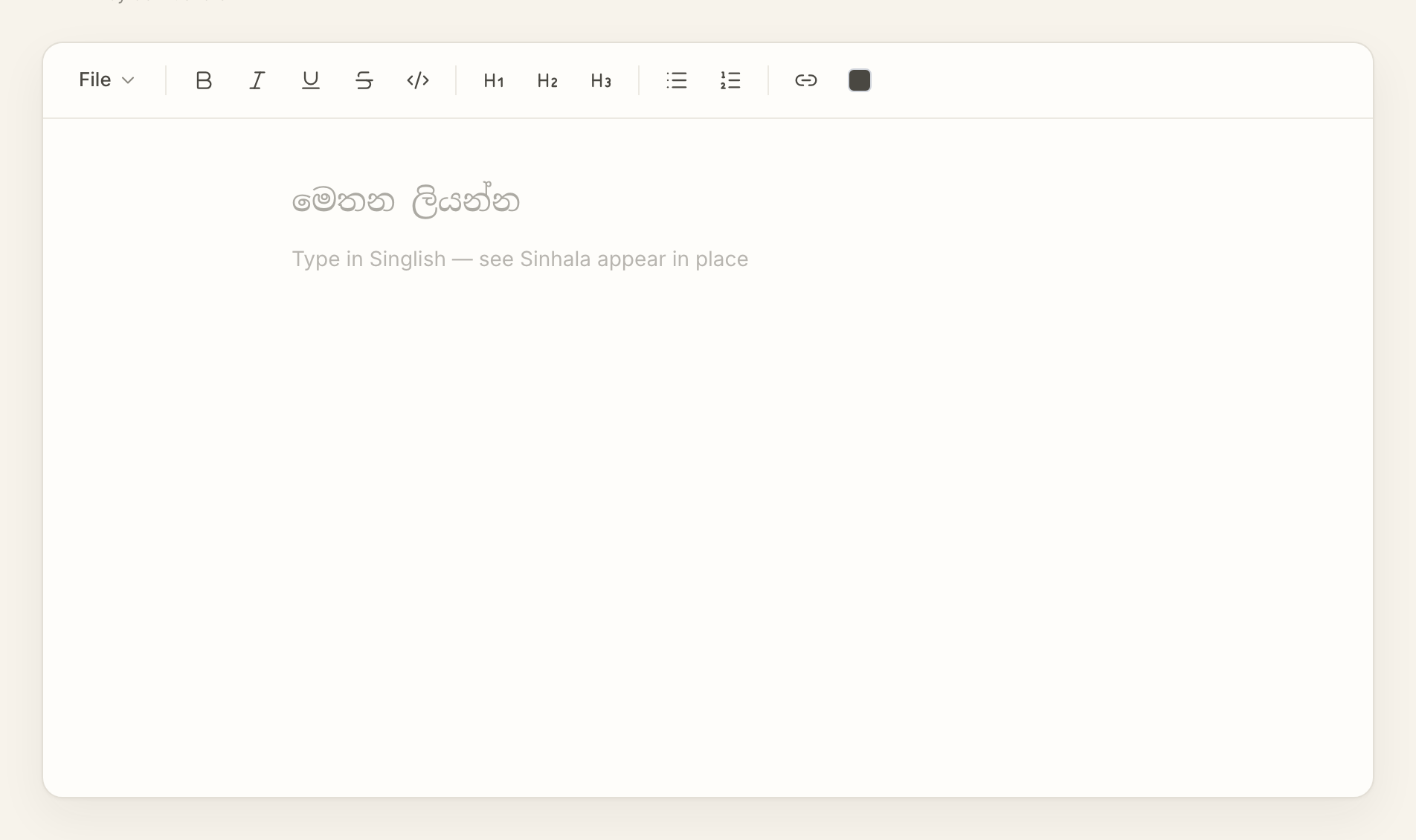
You can type Sinhala on a Mac without opening System Settings. Open AkuruLiyo in any browser, type Singlish, copy the Sinhala out.
Try AkuruLiyo →The macOS Input Source path, and why you might skip it
macOS does include a Sinhala input source. The steps are System Settings → Keyboard → Input Sources → +, find Sinhala, add it, then use Ctrl + Space to switch between Sinhala and English while typing. It works — but it changes how your whole machine behaves, it breaks Sinhala typing for the other users on the same Mac unless they configure it too, and it requires you to learn a new key layout.
AkuruLiyo is the browser-only alternative. The keyboard layout you're already using stays exactly as it is. The Sinhala conversion runs only inside the AkuruLiyo tab. Close the tab and your Mac is back to the same English-only state it was in.
 Try AkuruLiyo for free →
What works on Mac
- Safari, Chrome, Firefox, Arc, Edge, Brave — every modern Mac browser
- All the keyboard shortcuts use
Cmdas you'd expect:Cmd + Bfor bold,Cmd + Ifor italic,Cmd + Cto copy - Apple's built-in Sinhala fonts render the editor cleanly out of the box; no font install needed
- Pasting from AkuruLiyo into Pages, Numbers, Keynote, Mail, Notes, and TextEdit preserves formatting
- The editor respects macOS dark mode automatically when your system is set to
Appearance: Dark
If you want the conversion details, the Singlish-to-Sinhalapage covers the rules. If you're on the other side of the divide, the type Sinhala on Windows page covers the same flow there.
Frequently asked questions
Do I need to add a Sinhala input source in macOS?
Which Mac browsers does it work in?
Will Sinhala render correctly on my Mac?
Do the Cmd shortcuts work the way I expect?
Cmd + B, Cmd + I, Cmd + U, Cmd + Z, Cmd + C, Cmd + V — all the standard Mac chords work as they do in Pages or Word.