Type Sinhala on Windows — Without Installing Anything
Windows එකේ සිංහල ටයිප් කරන්න — software install කරන්න ඕනේ නැහැ.
You can type Sinhala on Windows without downloading a language pack or asking IT for admin rights. AkuruLiyo runs in Edge, Chrome, and Firefox — that's all you need.
Try AkuruLiyo →The Windows language-pack route, and why most people skip it
Windows can add a Sinhala keyboard layout through Settings → Time & language → Language & region → Add a language → Sinhala. It works, but the layout is the Wijesekera positional mapping — a different physical key for every Sinhala glyph. You learn it like a new instrument. And on a work or school PC, the install often asks for an admin password you don't have.
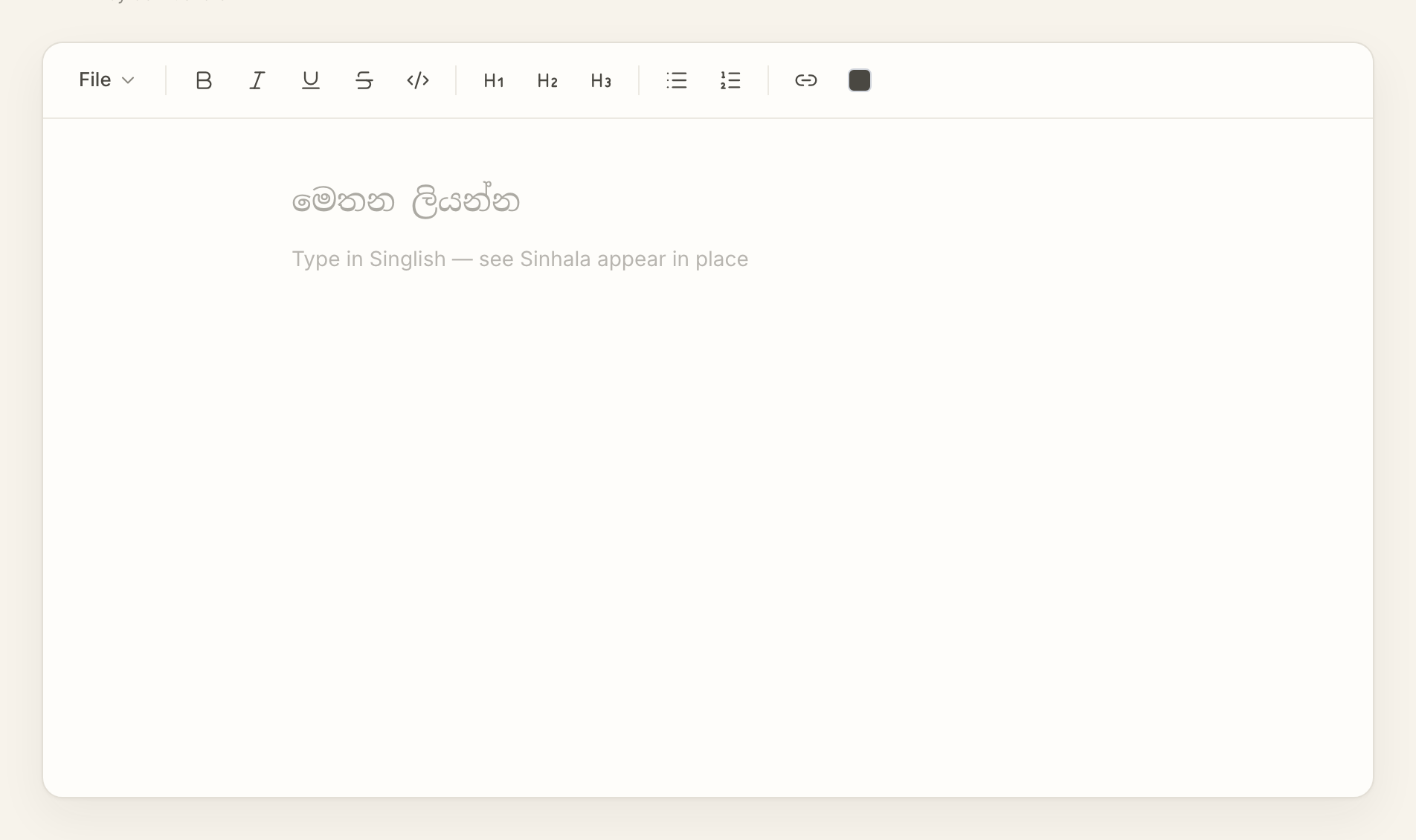
AkuruLiyo bypasses all of that. You open a tab, type Singlish in the QWERTY layout you already use, and Sinhala appears. No language pack, no admin prompt, no muscle-memory reset. Closing the tab leaves Windows exactly the way it was.
 Try AkuruLiyo for free →
What works on Windows
- Edge, Chrome, Firefox, Brave, Opera — every current Windows browser
Ctrl + Bfor bold,Ctrl + Ifor italic,Ctrl + Ufor underline — same as Word and OneNote- Pasting into Microsoft Word, Outlook, OneNote, and Microsoft Teams preserves Sinhala formatting
- Older Windows apps (Notepad, classic Outlook plain-text mode) will drop formatting — use
Copy as plain textfrom the File menu to get clean Sinhala without markup - Windows 10 and Windows 11 both ship Sinhala fonts (Iskoola Pota, Nirmala UI), so the text renders correctly everywhere
For the conversion behaviour itself, the Singlish-to-Sinhalapage is the deep dive. If you're bouncing between Mac and Windows, the type Sinhala on Mac page covers the macOS equivalent.
Frequently asked questions
Do I need to install the Sinhala language pack on Windows?
Which Windows browsers does this support?
Will the Ctrl shortcuts conflict with anything?
Ctrl + B, Ctrl + I, Ctrl + U, Ctrl + Z, Ctrl + C, Ctrl + V all behave the same way they do in Word, OneNote, and Outlook.